10 Meta Ad Automations Saving Marketers 20+ Hours/Week
Try the workflow instead of comparing it
See what an AI ad generator makes from your product
Paste your product page and get a complete Meta ad batch—creative concepts, images, headlines, and copy—without another tool stack.
Free to try No prompt writing

Want to save time and boost ad performance? Automating Meta ad production is the answer. Here's why: manual processes are too slow to keep up with Meta's fast-paced advertising environment. Automation lets you quickly generate, test, and optimize ads while cutting costs and reducing workload.
Key takeaways:
- Simplify campaign structures with Meta's Advantage+ and Campaign Budget Optimization (CBO).
- Use AI tools to create hundreds of ad variations in seconds.
- Leverage Dynamic Creative Testing (DCT) to find the best-performing combinations.
- Set up automation rules for budgets and performance monitoring.
- Organize assets for faster workflows and better results.
Tools like ADEN'S LAB make it easy to scale campaigns by turning product links into high-performing ads in seconds. Whether you're managing e-commerce campaigns or scaling a business, automation ensures you're always ahead of the game.
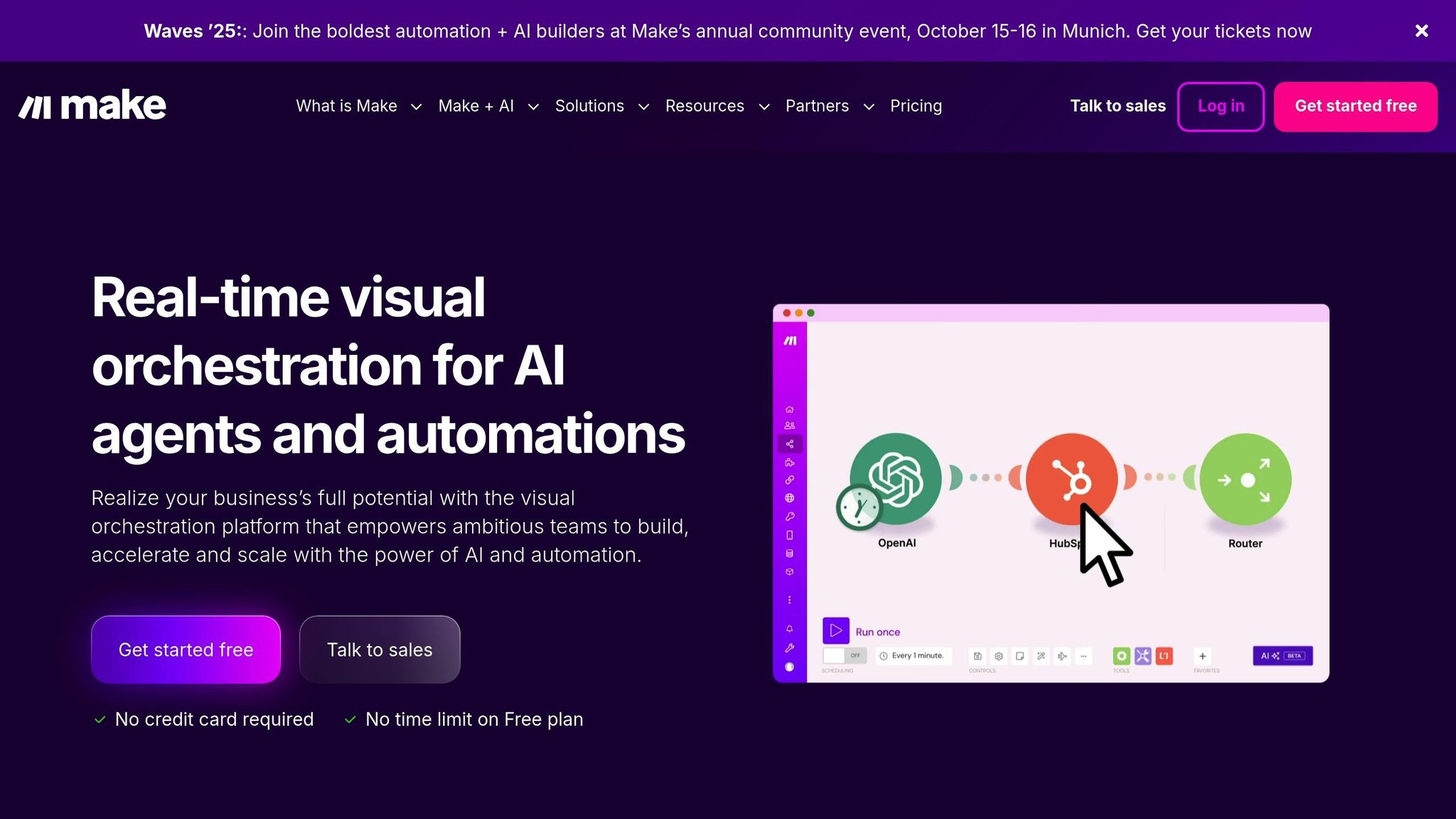
How I Automate 100+ Facebook Ads in Minutes (Make.com + Bannerbear)
Put the playbook to work
Apply this playbook to your page
Paste your website and the Lab will turn the strategy you are reading into a ready-to-test ads.
Free to try No prompt writing
1. Use Meta Advantage+ and CBO for Simple Campaign Structures
Simplify your Meta ad campaigns by streamlining how they're structured. Instead of juggling multiple ad sets and manually allocating budgets, you can use tools like Meta's Advantage+ campaigns and Campaign Budget Optimization (CBO) to let Meta’s algorithms handle the heavy lifting.
By consolidating your campaigns, you reduce the time spent on micromanaging ad sets. This approach not only saves time but also helps scale your campaigns more effectively, allowing you to focus on refining creative strategies and analyzing performance.
1.1 Set Up Advantage+ Campaigns
Advantage+ campaigns are designed to automate key elements like audience targeting, ad placements, and budget distribution. All you need to do is provide your creative assets, set basic audience parameters, and define your budget. Meta’s system takes it from there.
What makes Advantage+ powerful is its ability to learn continuously from performance data. It automatically shifts budgets toward the best-performing combinations of ads, audiences, and placements. This real-time optimization is something you simply can’t replicate manually on a large scale.
By removing the need for constant adjustments, Advantage+ campaigns reduce decision fatigue and free up your time for other tasks.
1.2 Best Practices for CBO Setup
Campaign Budget Optimization works by pooling your campaign’s budget into one central pot and distributing it across ad sets based on their performance. Instead of assigning individual budgets to each ad set, you set a single campaign-level budget, and Meta’s algorithm decides how to allocate it.
Here’s how to get the most out of CBO:
- Start with a daily budget of at least $50. This ensures the system has enough room to test and gather useful data. Lower budgets may limit delivery and make optimization difficult.
- Choose the right bid strategy. For most automated campaigns, the "lowest cost" bidding option works well, as it gives the algorithm maximum flexibility to find results efficiently. If you need tighter control, "cost cap" bidding allows you to set a maximum cost per result while still benefiting from automation.
- Avoid audience overlap. Structure your ad sets around distinct audiences or creative themes to prevent internal competition for the same users, which can waste budget.
Scaling CBO campaigns requires patience. When you identify a winning setup, increase the budget incrementally - no more than 20-25% every few days. Sudden budget jumps can disrupt the algorithm’s learning process and hurt performance. Gradual increases give the system time to adjust and optimize effectively.
Even with automation, regular monitoring is essential. Check ad set performance frequently, pausing underperformers and introducing fresh ones to keep your campaigns dynamic. The right balance of proven performers and new tests ensures your campaigns remain effective over time.
Next, let’s dive into how AI tools can further streamline large-scale ad production.
2. Use AI Tools for Batch Ad Creation
After fine-tuning your campaign structures, the next logical step is to streamline your creative production using AI. Crafting ads manually can be both time-intensive and expensive. That’s where AI-powered tools come in, automating the process and allowing you to generate a large volume of ads in just seconds instead of days.
With AI-driven batch creation, you can drastically speed up production while increasing the number of variations you test. This means you can experiment with more audiences, messages, and creative strategies all at once. The result? Faster identification of winning combinations and better campaign performance overall. This efficiency makes large-scale testing not just possible but practical.
These tools work by analyzing your product data and generating a variety of creatives - headlines, descriptions, images, and even videos. This eliminates traditional bottlenecks in design and copywriting, giving you the ability to test on a much larger scale.
2.1 Batch Ad Production Workflow
The process for batch ad production is straightforward and efficient:
- Input product details: Provide the AI with product information like URLs, images, and descriptions. The more detailed your input, the better the AI can tailor its output to your needs.
- Generate multiple formats: The AI creates several ad variations optimized for different Meta placements, such as single image ads, carousels, and basic video formats.
- Review for brand alignment: Quickly check the generated ads to ensure they align with your branding and campaign goals. Most platforms let you edit or regenerate specific elements if needed.
- Launch directly: Once everything looks good, upload the ads directly to Meta Ads Manager or integrate them into your campaign, cutting down on manual work and reducing errors.
From start to finish, this entire workflow takes just minutes. It’s perfect for launching new products, reacting swiftly to market trends, or scaling campaigns that are already performing well.
2.2 Example: ADEN'S LAB
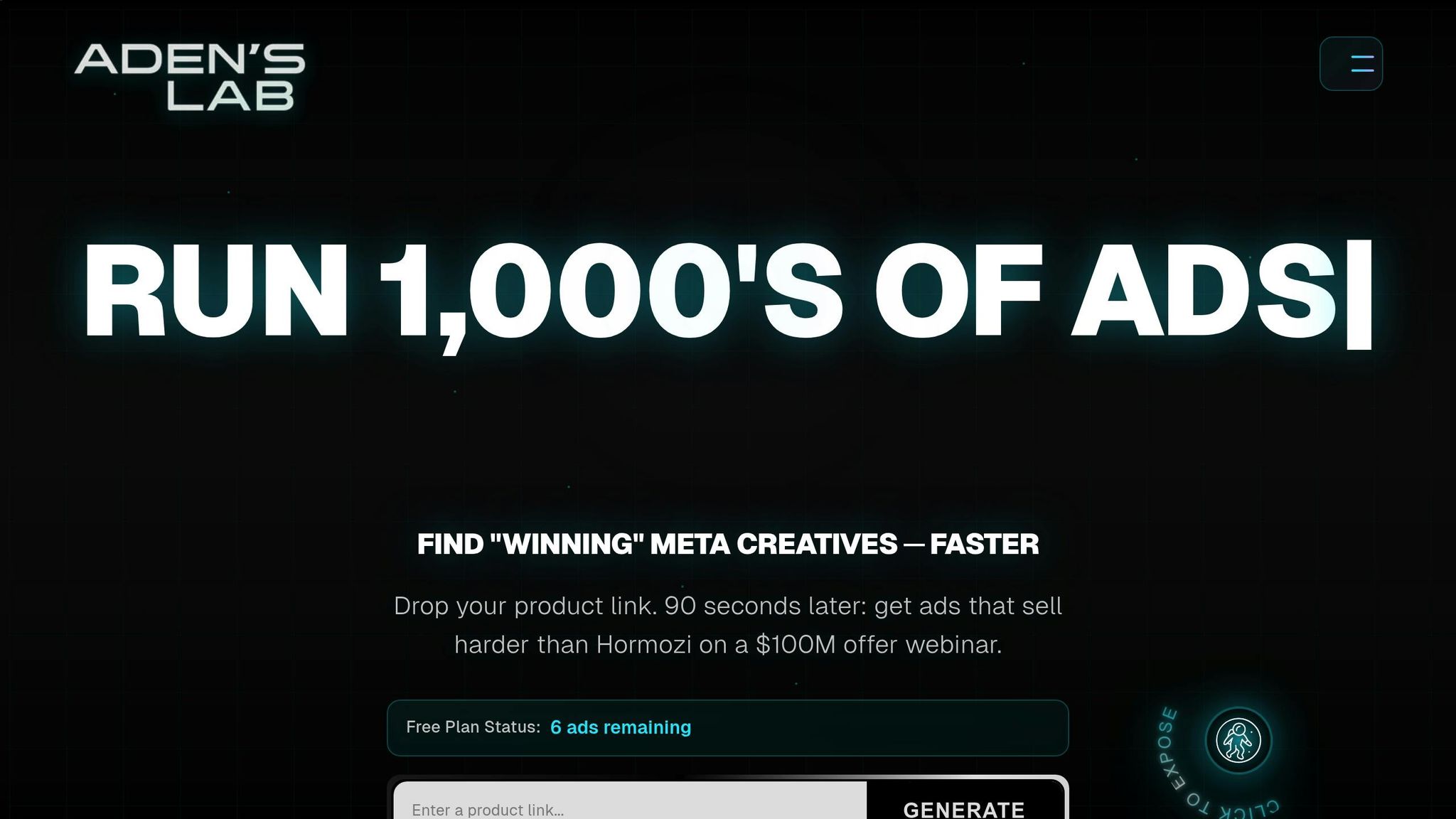
ADEN'S LAB is a great example of how AI can turn ad creation into a fully automated process, especially when paired with strategies like Advantage+ and CBO. This platform simplifies ad production for e-commerce brands and performance marketers. All you need to do is input a product link, and within seconds, ADEN'S LAB generates conversion-focused Meta ads.
What sets ADEN'S LAB apart is its ability to analyze successful ad patterns and buyer behavior to create data-driven creatives. This helps marketers quickly identify which variations are most likely to succeed. The platform allows users to produce hundreds of ads daily with minimal effort, slashing production costs by up to 100× compared to agencies or in-house teams. It also speeds up testing by 10×, saving both time and money while enabling rapid experimentation.
The process integrates seamlessly with automated campaign structures like Advantage+ campaigns and CBO setups, creating a smooth system that combines creative production with campaign optimization - all in one place.
3. Set Up Dynamic Creative Testing
Dynamic Creative Testing (DCT) takes the guesswork out of ad optimization by automatically mixing and matching creative elements to find the best-performing combinations. By feeding your batch-created ads into DCT, you can quickly identify which elements drive the most conversions. The system learns from actual user interactions and adjusts impressions in real time, prioritizing the combinations that perform the best.
Unlike traditional A/B testing, which compares two options at a time, DCT evaluates multiple creative combinations simultaneously. This real-time optimization delivers faster results and uncovers winning patterns across audience segments without requiring constant manual adjustments. It’s an efficient way to fine-tune your ads after the initial batch creation phase.
3.1 Organize Creative Assets
Once your automated ad creation is complete, the next step is to organize your creative assets for dynamic testing. Meta’s system works best when you provide 5–10 variations for each creative element. This gives the algorithm enough variety to test while keeping things manageable.
Start by sorting your assets into three categories: headlines, primary text, and visuals.
- Headlines: Create variations that highlight different angles. Some should focus on price, others on quality, and a few on urgency or social proof. Keep headlines concise - under 40 characters - to ensure they display properly across all placements.
- Primary Text: Include a mix of short, attention-grabbing descriptions and longer, more detailed explanations. Test different tones - benefit-driven copy versus feature-focused copy - and see how emotional appeals compare to logical ones.
-
Visuals: Plan for the specific aspect ratios required for different placements. For example:
- 1:1 for feed posts
- 9:16 for Stories
-
16:9 for in-stream videos
Use descriptive file names like "product-demo-1.jpg" or "lifestyle-video-2.mp4" to make tracking performance easier later.
Meta suggests refreshing your creative assets every 7–14 days to avoid ad fatigue. A content calendar can help you stay on top of this, ensuring you’re consistently introducing new variations to keep your campaigns fresh.
3.2 Monitor and Analyze Results
DCT generates a wealth of performance data, but focusing on the right metrics is key to avoiding information overload. Prioritize Cost per Acquisition (CPA) and Return on Ad Spend (ROAS) as your main indicators of success, rather than secondary metrics like click-through rates or impressions.
Check your DCT performance every 3–4 days, but avoid making changes too quickly. The algorithm needs time to gather data and optimize delivery. Frequent adjustments can disrupt this process and lead to weaker results.
Use the "Creative Asset Reporting" feature in Meta Ads Manager to see which combinations of headlines, visuals, and text are performing best. Look for patterns - such as lifestyle images outperforming product shots or urgency-focused headlines driving more conversions - and use these insights to guide future creative decisions.
If you notice signs of creative fatigue, like frequency climbing above 3.0 or a decline in performance over several days, it’s time to refresh your assets. Replace the bottom 20% of underperforming elements with new variations while keeping your top performers active. This ensures your campaigns remain effective without losing momentum.
The data you gather can also shape your larger creative strategy. For instance, if video assets consistently outperform static images, prioritize video production in your next batch of ads. These insights can feed back into your AI-driven asset creation process, creating a continuous cycle of improvement.
Finally, export your performance data weekly to track long-term trends. Patterns often emerge over 30–60 days, providing valuable templates for scaling successful campaigns to new audiences or products. By using DCT insights strategically, you can refine your approach and maximize your ad performance over time.
4. Set Up Rule-Based Budget Automation
Streamline your ad management process with rule-based budget automation, which reduces the need for constant manual monitoring. Instead of frequently checking ad performance throughout the day, you can establish specific conditions that automatically adjust budgets based on key performance metrics. This ensures that high-performing ads get the funding they need, while underperforming ads are scaled back or paused.
The success of this approach lies in selecting the right triggers and actions. Metrics like Return on Ad Spend (ROAS) and Cost per Acquisition (CPA) provide a clear snapshot of profitability, while Click-Through Rate (CTR) and Cost per Click (CPC) offer additional insights into engagement and efficiency. Pairing this strategy with batch ad creation and dynamic creative testing allows performance data to guide faster, more effective budget decisions. To implement this, use Meta Ads Manager for setting up automation rules.
4.1 Configure Rules in Meta Ads Manager
To set up automation rules, navigate to the "Rules" section in Meta Ads Manager and select "Create Rule." You can apply these rules at the campaign, ad set, or individual ad level. Campaign-level rules are ideal for managing overall budgets, while ad set rules provide a more granular level of control.
When creating rules, define conditions that ensure decisions are based on sufficient data. For instance, you might set a minimum spend threshold or wait until a certain number of conversions have been achieved before activating the rule. This prevents premature adjustments based on incomplete data.
It’s also important to use a performance evaluation window that accounts for daily fluctuations. A multi-day evaluation period can help smooth out inconsistencies and provide a more accurate picture before making changes.
For actions, make gradual budget adjustments. Small, incremental changes help maintain the campaign's learning phase and avoid disrupting its performance. Additionally, set a reasonable time gap between adjustments - such as waiting at least a day before applying the same rule again - to give the system time to adapt to changes.
4.2 Examples of Effective Rules
Here are some practical examples of automation rules that you can customize to fit your campaigns. These rules help optimize budget allocation while supporting your overall ad strategy:
- High-Performance Scaling: Gradually increase the budget for ads that exceed your profit benchmarks over a set period. This ensures that only ads with proven success and enough data receive additional funding.
- Underperformance Protection: Automatically pause ads that consistently underperform to minimize losses.
- Cost Efficiency Boost: If an ad’s cost per acquisition is well below your target, increase its budget slightly. This helps you maximize efficiency without losing control over costs.
- Creative Fatigue Prevention: Reduce the budget for ads with high frequency and declining engagement. This approach limits wasted spending while keeping the campaign active for potential recovery.
- Rapid Response to Exceptional Performance: Quickly increase the budget for ads showing outstanding early results to capitalize on their momentum.
5. Organize Your Asset Library
An organized asset library is the backbone of efficient automated Meta ad production. Without a well-structured system, even the most advanced automation tools can get bogged down, wasting valuable time as you hunt for the right images, videos, or copy. A streamlined approach ensures that your team can work smoothly and that automation performs effectively, keeping your campaigns consistent and scalable.
When your assets are properly categorized and tagged, scaling ad production becomes much easier. Batch processing runs seamlessly, and automation rules can quickly pull the right creative elements without manual intervention. Plus, having a diverse pool of assets ready for rotation helps avoid creative fatigue, keeping your campaigns fresh and engaging.
5.1 Create a Centralized Asset System
Start by building a clear folder structure. Organize your library by product category, campaign type, creative format, and performance tier. For instance, your folders might follow this hierarchy: Product Category > Campaign Type > Creative Format > Performance Level. This setup makes locating assets straightforward and intuitive.
Next, adopt a consistent naming convention. Include details like the product name, creative type, dimensions, version number, and date. For example: RunningShoes_Video_1080x1080_V2_Oct2025. This way, anyone on your team can quickly understand the asset’s purpose without unnecessary guesswork.
Tagging is another crucial step. Use keywords to describe each asset, such as target audience, seasonal relevance, campaign goals, or performance history. These tags make automated sorting and creative rotation much easier, especially when AI tools are involved.
To stay organized, maintain version control. Always keep a master version of each creative and clearly mark older versions as archived. A simple numbering system with dates can help you track updates and improvements over time.
Finally, separate your assets into folders for initial, active, and archived creatives. This system prevents unfinished work from accidentally being used in live campaigns and ensures a smooth workflow from production to execution.
With this structure in place, automation tools can easily access the right assets for any Meta ad placement.
5.2 Prepare Assets for Meta Ad Placements
Once your library is in order, the next step is to prepare your assets to meet Meta’s placement requirements. Meta offers various ad placements, each with specific format and specification needs, so preparing your assets in advance saves you from last-minute resizing or reformatting.
Ensure that your images and videos meet Meta’s technical specs. For images, use dimensions like 1080x1080, 1200x628, or 1080x1920, and optimize them for web use (72 DPI, with file sizes under 30MB). Videos should follow formats like 1:1, 16:9, 9:16, or 4:5, using MP4 or MOV files under 4GB. Since many users watch videos without sound, add captions or text overlays to convey your message effectively.
Text assets also need attention. Organize your headlines, descriptions, and calls-to-action by length and purpose. For example, create primary text versions under 125 characters for optimal display and headlines under 40 characters. For placements that allow longer copy, prepare extended versions to give your dynamic creative testing more flexibility.
Keep a spreadsheet to track asset details like dimensions, file size, creation date, performance data, and usage restrictions. This document helps your team quickly assess whether an asset fits a specific campaign and supports automated workflows.
To speed up production while maintaining brand consistency, consider creating templates. These templates should include your brand’s colors, fonts, logo placement guidelines, and proper dimensions. When you need new assets quickly, templates allow for fast customization without sacrificing quality. Platforms like ADEN'S LAB thrive on this kind of systematic preparation, enabling quick creative updates and consistent campaign execution.
6. Set Up Performance Monitoring and Alerts
Managing Meta ads effectively means staying on top of performance without being glued to your dashboard 24/7. Automated performance monitoring does the heavy lifting by keeping an eye on your campaigns around the clock and alerting you when something needs attention. This way, you can catch performance dips before they drain your budget and seize opportunities while they're still fresh.
A well-designed monitoring system focuses on key metrics and avoids overwhelming you with unnecessary alerts. With this in place, you can confidently scale your campaigns, prevent budget overspends, pause underperforming ads automatically, and know when to increase investment in top-performing campaigns. This level of automation enables you to handle larger campaigns without adding to your workload.
Now, let’s dive into the key metrics you should monitor and how to set up alerts effectively.
6.1 Choose Key Metrics to Monitor
Focus on the metrics that directly tie to your business goals. Here are some of the most important ones to keep an eye on:
- Cost per acquisition (CPA): If conversions are your priority, CPA should be your main focus. Set alerts when CPA exceeds 25% above your target, giving you time to optimize before costs spiral out of control.
- Return on ad spend (ROAS): This metric is crucial for understanding profitability, especially for e-commerce campaigns where margins are clear. Set alerts if ROAS drops below your break-even point - often around 3:1 after factoring in product costs and overhead.
- Click-through rate (CTR): A sharp drop in CTR often signals creative fatigue, meaning your audience is losing interest in your ads. Set alerts if CTR falls 30% or more below your campaign average.
- Frequency: High frequency can lead to ad fatigue, which hurts performance and increases costs. Most campaigns perform best with a frequency between 1.5 and 3.0. Set alerts if it exceeds 4.0.
- Daily spend: Keep an eye on your budget by setting alerts when daily spend exceeds 150% of your target or falls below 70%. These changes often point to bid adjustments, audience shifts, or technical issues.
- Conversion volume: A drop of 40% or more compared to your seven-day average could indicate a serious issue with your campaign.
6.2 Set Up Real-Time Alerts
Meta Ads Manager makes it easy to automate rules for pausing campaigns, adjusting budgets, or sending notifications. For peak effectiveness, schedule these rules to run every 30 minutes during busy hours and every few hours during quieter times. This ensures you catch issues promptly without overloading the system.
Here’s how to set up different types of alerts:
- Budget protection rules: Start by creating rules to pause or reduce budgets for ad sets when CPA or ROAS deviates from your targets.
- Slack notifications: Integrate tools like Zapier to connect Meta Ads Manager with Slack. When a rule triggers, your team gets instant notifications with campaign details and recommended actions, making collaboration seamless without constant dashboard checks.
- Email alerts: Use email as a backup system. Set up daily digest emails summarizing campaigns that exceed thresholds or show budget issues. Include week-over-week comparisons to identify trends that might not stand out in daily reports.
- Custom dashboard alerts: Tools like Google Data Studio or Supermetrics let you create advanced alerts. For example, you can set up notifications for situations where CPA rises and conversion volume drops simultaneously, flagging more complex performance problems.
- Mobile push notifications: Many third-party apps offer mobile alerts for urgent issues, like a 200% overspend or a complete failure in conversion tracking. Use these sparingly for critical problems that need immediate attention.
- Positive performance alerts: Don’t just focus on problems - set up alerts for wins too. Notifications for exceptional ROAS, low CPA, or high conversion volumes help you spot successful campaigns worth scaling or replicating.
- Time-based scheduling: Avoid notification fatigue by adjusting alert sensitivity based on the time of day. During business hours, keep alerts more sensitive to respond quickly. Outside of work hours, limit notifications to only the most urgent issues, ensuring you maintain a balance between monitoring and your personal time.
7. Schedule Creative Refreshes to Prevent Fatigue
Creative fatigue can quietly sabotage the performance of your Meta ads. When people see the same ad too often, their interest wanes, engagement plummets, and costs creep up. To keep your campaigns effective, it’s crucial to refresh your ads regularly.
"Refreshing Meta Ads is essential for maintaining engagement, preventing fatigue, and optimizing performance." - Md. Noor Uddin, Meta Ads Specialist
The secret to staying ahead of creative fatigue? Timing and automation. Don’t wait until your ads start to underperform. Instead, establish a refresh schedule that keeps your content fresh and engaging. Pair this with automated performance tracking to ensure your campaigns stay lively and effective.
7.1 Suggested Refresh Timelines
To avoid fatigue, plan your refreshes strategically. For Facebook and Instagram Feed ads, aim to update your creatives every 2–3 weeks. For Stories and Reels, which tend to see higher engagement, refresh them every 1–2 weeks. Also, monitor your ad frequency - ideally, each user should see your ad 2–3 times. If the frequency climbs higher, it could be a sign that your audience is oversaturated.
7.2 Automating Creative Updates
Make your refresh process seamless by leveraging automation tools. Use Meta Ads Manager to set up alerts for metrics like declining click-through rates (CTR) or rising cost-per-click (CPC). These alerts help you refresh your ads before fatigue sets in and hurts your campaign’s performance.
ADEN'S LAB can make this even easier. It allows you to quickly create a variety of ad variations, building a library of fresh options. With these ready-to-go creatives, your campaigns can stay engaging without missing a beat.
8. Use Meta's Marketing API for Workflow Automation
Managing hundreds of ads manually can slow things down significantly. That's where Meta's Marketing API steps in, offering a way to automate large-scale tasks. With this API, you can programmatically set up campaigns, upload creatives, and make bulk edits - all without needing to navigate through the Ads Manager interface. Building on earlier points about batch processing and rule-based workflows, the API takes automation to a whole new level, making scaling not just possible but efficient.
The real advantage? Speed and consistency. By using the API, you can cut ad creation time in half and test five times more creative variations. This means less time spent on repetitive tasks and more time for strategic planning.
As of October 8, 2025, all new campaigns must use Meta's AI-powered targeting through the updated API structure. Legacy APIs for Advantage Shopping Campaigns and Advantage App Campaigns will no longer be supported at that point.
8.1 Key API Endpoints to Know
Meta's Marketing API is organized into specific endpoints that correspond to the different stages of ad creation. Here's a breakdown of some key endpoints and their functions:
-
Campaign Creation: Use
/{ad-account-id}/campaignsto set up your campaign objectives, budget type, and overall strategy. -
Ad Set Creation: The endpoint
/{campaign-id}/adsetsallows you to create ad sets with tailored targeting, budgets, and schedules. -
Creative Management: Upload images using
/{ad-account-id}/adimagesto generate an image hash, then create ad creatives with/{ad-account-id}/adcreatives. -
Ad Creation: Link your ad set with creative assets through
/{adset-id}/adsto finalize your ad. -
Bulk Editing: Make updates to existing objects by sending POST requests to specific ID endpoints, such as
POST v16.0/{ad_set_id}. - Placement Management: New endpoints let you control where your ads appear and apply spend restrictions to specific placements.
"For Marketing API advertisers: Allowing limited spend to specific placements is not automatically enabled when excluding placements. To apply limited spend to specific placements, you must explicitly use the new API endpoints to designate which placements should have spend restrictions." - Meta
Familiarity with these endpoints is essential for unlocking the full potential of API integration and achieving significant efficiency gains.
8.2 Benefits of API Integration
The time savings from API integration are immediate and impactful, reducing ad creation time by over 50%. It also helps avoid common errors like typos, incorrect targeting settings, or inconsistent naming by using structured input. On top of that, you can conduct creative testing at scale, enabling you to test five times more creative variations without breaking a sweat.
By combining these endpoints with dynamic testing and budget automation, your workflow becomes smoother and more efficient. Automating repetitive tasks allows your team to shift their focus toward higher-value activities like strategy, creative development, and performance analysis. This shift can lead to meaningful improvements in campaign results over time.
Meta's push for AI integration through its updated API ensures your campaigns leverage the platform's latest targeting and placement optimization tools. This not only streamlines your current processes but also keeps your workflow aligned with future advancements on the platform.
Conclusion: Scale Growth Through Automation
These eight strategies turn the once time-consuming task of manual Meta ad production into an automated powerhouse. By using tools like Meta's Advantage+ campaigns, rule-based budget automation, AI-driven solutions, and the Marketing API, you can shift your team's focus to strategic planning while automation takes care of the repetitive execution.
Automation powered by AI has proven to drastically cut ad production costs - up to 100x less than traditional agencies or in-house teams. Marketers leveraging these advanced tools report testing speeds up to 10 times faster than their competitors. Faster testing means quicker insights into what works, which directly improves campaign performance. On top of that, automated creative testing and budget allocation can lower cost per acquisition (CPA) by 30–50% and significantly boost return on ad spend (ROAS) for e-commerce brands.
Take ADEN'S LAB as an example. This tool can transform a simple product link into Meta ads optimized for conversions in just seconds. By automating creative production, it allows marketers to generate hundreds of ads daily without lifting a finger, slashing production costs and speeding up creative testing.
Automation isn't just a passing trend - it’s becoming a necessity for staying competitive in 2025 and beyond. Meta is already working on AI agents capable of autonomously managing ad budgets and campaign objectives, signaling a future where marketers can rely on Meta for full campaign management. Brands adopting automation today are positioning themselves to outperform competitors who are still stuck in manual workflows. By combining these automation techniques, you can build a cohesive system that drives growth efficiently.
To create this growth engine, integrate AI-powered creative tools with rule-based systems, API-driven workflows, and performance monitoring. Whether you're managing e-commerce campaigns, working as a media buyer, or scaling a high-growth business, automation can turn ad production from a hurdle into a competitive edge.
Start small - pick one automation tool and build from there. The brands that embrace this mindset won’t just streamline their operations; they’ll lead their markets while others struggle to keep up with outdated methods.
FAQs
How can I seamlessly incorporate AI tools into my Meta ad production process?
To make the most of AI tools in your Meta ad production process, start by evaluating your current workflow. Look for tasks that could benefit from automation - this could save time and increase efficiency. Also, double-check that your e-commerce data sources are integrated correctly to ensure smooth data flow and precise targeting.
AI-powered tools can take over repetitive tasks like creating ad variations, fine-tuning targeting, and enhancing creative content. These tools not only help you scale your ad production but also maintain a high standard of quality. If needed, set up API connections to automate and simplify these processes further.
Keep a close eye on your campaign performance and adjust your AI-driven strategies as needed to stay aligned with your business goals. By pairing AI tools with regular performance analysis, you can improve ROI and concentrate on growing your business more effectively.
What are the main advantages of using Meta's Marketing API to automate ad campaigns?
Using Meta's Marketing API offers a range of benefits for automating ad campaigns. It simplifies the process of creating and managing ads, cutting down on time and effort. Plus, the API allows for real-time adjustments to campaigns and provides in-depth analytics, making it easier to fine-tune audience targeting and enhance overall performance.
By automating routine tasks and streamlining workflows, marketers can dedicate more energy to scaling their campaigns and achieving stronger results without the extra stress. It's a valuable resource for increasing efficiency and driving campaign success.
How can I keep my ad creatives fresh and engaging to avoid audience fatigue?
To keep your ad creatives appealing and relevant, it's important to refresh your visuals and messaging regularly. Align them with current trends and what your audience prefers. Rely on data to uncover what grabs your target audience’s attention the most.
Switching up ad variations and trying out different formats can help avoid audience fatigue while maintaining their interest. Tools like ADEN'S LAB simplify this process by allowing you to test and tweak your ads quickly. This way, your campaigns stay engaging and up-to-date without requiring constant manual adjustments.
Your next ad batch starts here
Finish with a ready-to-test ad batch
Paste your website to generate static creatives. Drop the link → get ads in about 90 seconds → upload them to Meta → scale.
Free to try No prompt writing