Facebook Ads for Beginners: Why AI Is the Shortcut to Profitability in 2025
Turn the strategy into creatives
Create Meta ads for your product
Paste your product page. ADEN'S LAB turns the offer, audience, and positioning into complete ready-to-use Meta static ads.
Free to try No prompt writing
Running Facebook ads in 2025 has never been easier or more accessible, thanks to AI. Whether you're a small business or just starting with ads, AI tools eliminate the complexity and guesswork, allowing you to create effective campaigns without needing a large budget or a team of experts.
Here’s how AI simplifies Facebook advertising:
- Ad Creation in Minutes: AI tools generate ad copy, visuals, and variations in seconds, saving time and money.
- Smarter Targeting: AI analyzes user data to find the right audience for your ads, skipping manual research.
- Automated Testing & Optimization: Features like Dynamic Creative Optimization and Meta’s Advantage+ suite test and refine ads in real-time, ensuring better performance.
- Budget Efficiency: AI reallocates budgets to top-performing ads and placements, reducing wasteful spending.
With AI, you can quickly set up campaigns, target the right audience, and scale your results - all while focusing on growing your business. Let’s break down how to launch your first AI-powered Facebook ad campaign step by step.
The ULTIMATE Guide to using AI to make Facebook Ads (Full Step-by-Step Walkthrough)
Put the playbook to work
Apply this playbook to your page
Paste your website and the Lab will turn the strategy you are reading into a ready-to-test ads.
Free to try No prompt writing
Step 1: Create Your Meta Business and Ad Account
Before you can dive into running Facebook ads, you’ll need to set up a few things: a Meta Business Suite account, an ad account with billing details, and a linked Facebook Page. The entire process is quick - around 10–15 minutes - and you only need to do it once.
Create a Meta Business Suite Account
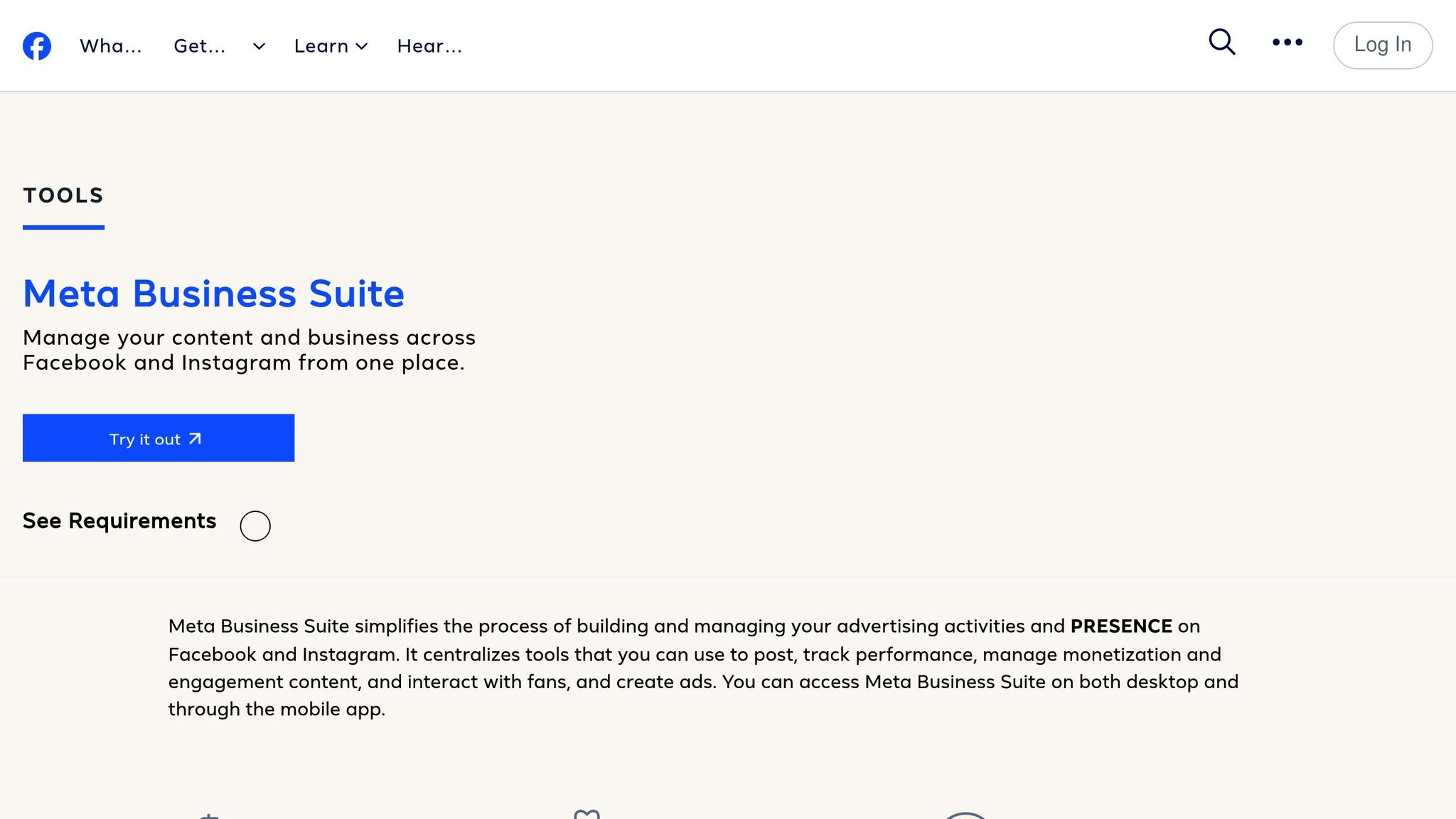
Think of your Meta Business Manager account as the command center for managing your ad accounts, Facebook Pages, Instagram profiles, and team permissions. It keeps everything organized in one place.
Head over to business.facebook.com/overview and log in with your personal Facebook profile. Don’t have one? You’ll need to create one first.
Once logged in, click "Create an Account" and fill in your business details: your business name, your name, and your business email address. Submit the form, and Meta will create your Business Manager account, redirecting you to the Meta Business Suite dashboard.
"A Meta Business Manager account allows you to manage your Facebook pages, Instagram profiles, and ad accounts from one central location." – Ben Heath
The left-hand menu acts as your navigation tool, while the "Settings" section is where you’ll add your assets in the next steps.
Set Up Your Ad Account
Now that your Business Manager account is ready, it’s time to set up an ad account. This is where you’ll create and manage your ad campaigns.
Go to the "Settings" section and create a new ad account. You’ll need to add your billing details here. If you’ve advertised on Facebook before, you can claim an existing ad account, but if you’re new, it’s best to start fresh with a new account.
Double-check your billing information to avoid any issues later.
Connect Your Facebook Page
Still in the "Settings" section, look for the option to connect a Facebook Page. You’ll have three choices:
- Add an existing Page you already manage.
- Request access to a Page someone else manages.
- Create a new Page if you don’t have one yet.
If you already have a Facebook Page, select "Add an existing page" and pick it from the dropdown menu. If you’re new to this, click "Create a new page" and follow the setup instructions.
Collaborating with a team? You can invite others to help manage your ads. Go to the "People" section, enter their email addresses, and assign them roles like designer, copywriter, or partner.
With everything in place, you’re ready to move on to setting up your campaign objective and structure.
Step 2: Select Your Campaign Objective and Structure
With your Meta accounts ready, it’s time to set the foundation for your ad campaigns. This involves defining clear goals and understanding the structure Meta uses for its ads. While the setup might feel overwhelming initially, Meta's three-tier system makes it straightforward. Plus, with AI-powered Advantage+ campaigns, much of the hard work is handled automatically.
The 3 Campaign Levels: Campaign, Ad Set, and Ad
Meta ads are organized into three main levels:
- Campaign level: This is where you set your primary goal - what you want your ads to achieve. Are you aiming for more traffic, sales, or brand awareness? Your objective starts here.
- Ad Set level: At this stage, you define who sees your ads (targeting), how much you’re willing to spend (budget), and where they’ll appear (placement). For example, you can choose to show ads in the Facebook feed, Instagram Stories, or both.
- Ad level: This is where your creativity comes into play. You’ll design the actual ad content - images, videos, headlines, and copy that grab attention and drive action.
Meta’s algorithm optimizes your campaign based on the objective you choose at the Campaign level. For instance, selecting "Traffic" will guide the system to find users likely to click your link. On the other hand, choosing "Sales" prompts the algorithm to focus on users who are more likely to make a purchase. Keep in mind, mixing objectives within a single campaign can confuse the algorithm and hurt your results.
Picking the Best Campaign Objective
When starting a new campaign in Meta Ads Manager, you’ll see several objective options. Choose the one that best aligns with your goals:
- Awareness: Ideal for boosting brand visibility.
- Traffic: Drives users to your website or landing page.
- Engagement: Encourages likes, comments, and shares.
- Leads: Collects user information through forms - great for offering free guides, webinars, or consultations.
- App Promotion: Focuses on increasing app downloads.
- Sales: Targets direct conversions like purchases or sign-ups.
If maximizing ROI is your priority, "Sales" and "Leads" are often the strongest performers. To get the best results, stick to one objective per campaign. This allows Meta’s algorithm to work toward a clear and specific goal.
How Advantage+ Campaigns Simplify Advertising
Managing Facebook ads has become much easier in 2025, thanks to advancements in AI. Meta’s Advantage+ campaigns automate many of the tasks that used to require endless testing and adjustments.
"Facebook ads have evolved dramatically, especially with Meta's AI-driven algorithms taking center stage in 2025."
- AI Founder Kit
In the past, advertisers had to manually fine-tune every detail. Now, Advantage+ campaigns let Meta’s AI handle much of this for you. The algorithm evaluates billions of data points to identify potential customers you might not have considered, helping you reach beyond your initial audience.
Key features like Campaign Budget Optimization (CBO) and Dynamic Creative Testing reduce manual effort:
- Campaign Budget Optimization (CBO): Automatically shifts your budget toward the best-performing audiences. For example, if one audience generates purchases at $5 each while another costs $15, CBO reallocates funds to the more efficient group.
- Dynamic Creative Testing: Upload multiple versions of images, headlines, and calls-to-action, and Meta will test combinations to find what resonates most with your audience.
When you launch a campaign, it enters a "Learning Phase." During this time, Meta’s AI identifies which users are most likely to take the action you want. To help the algorithm work effectively, you’ll need a daily budget based on this formula: multiply your average cost per purchase by 50, then divide by the number of days in your conversion window. For example, if your average purchase costs $10 and your conversion window is 7 days, you’d need about $71 per day to gather enough data.
Accurate data is crucial for the AI to perform well. That’s why tools like Facebook Pixel and Conversion API are essential (we’ll dive into this in Step 4). These tools feed conversion data back to Meta, helping the algorithm identify high-value customers and keep costs down.
Advantage+ campaigns are especially helpful for beginners. You don’t need to be an expert in audience segmentation or targeting - the AI takes care of these complexities. This allows you to focus on crafting strong offers and monitoring performance. In 2025, AI has shortened the learning curve dramatically, turning what used to take months into just a few days.
With your campaign objectives in place and automation handling the technicalities, you're ready to move on to creating attention-grabbing ad creatives in the next step.
Step 3: Use AI to Create Ad Creatives That Convert
Your campaign structure is ready, and Meta’s algorithm is working toward your goals. Now it’s time to focus on the heart of your ad performance: the creative elements - images, videos, headlines, and copy - that grab attention and drive action.
In the past, designing high-performing ad creatives required a team of specialists and extensive testing. But AI has changed the game, letting you create ads in minutes instead of days.
What Makes a Facebook Ad Perform Well
A successful Facebook ad is built around several key elements that work together seamlessly:
- Primary text: The short, engaging copy above your media that grabs attention and explains your offer.
- Headline: Placed just below the media, the headline reinforces your message and gives another reason to engage.
- Call-to-action (CTA) button: This button guides users on what to do next. Options like "Shop Now" or "Learn More" should match your campaign’s goal.
- Media: Whether it’s an image or video, the visual is often the first thing people notice. High-quality visuals that clearly showcase your product or its benefits tend to perform best.
- Landing page: When users click your ad, they should land on a page that delivers on the ad’s promise. A smooth transition from ad to landing page is key to turning interest into action.
With these components in mind, let’s look at how ADEN'S LAB streamlines the creative process.
How ADEN'S LAB Creates Ads in 90 Seconds
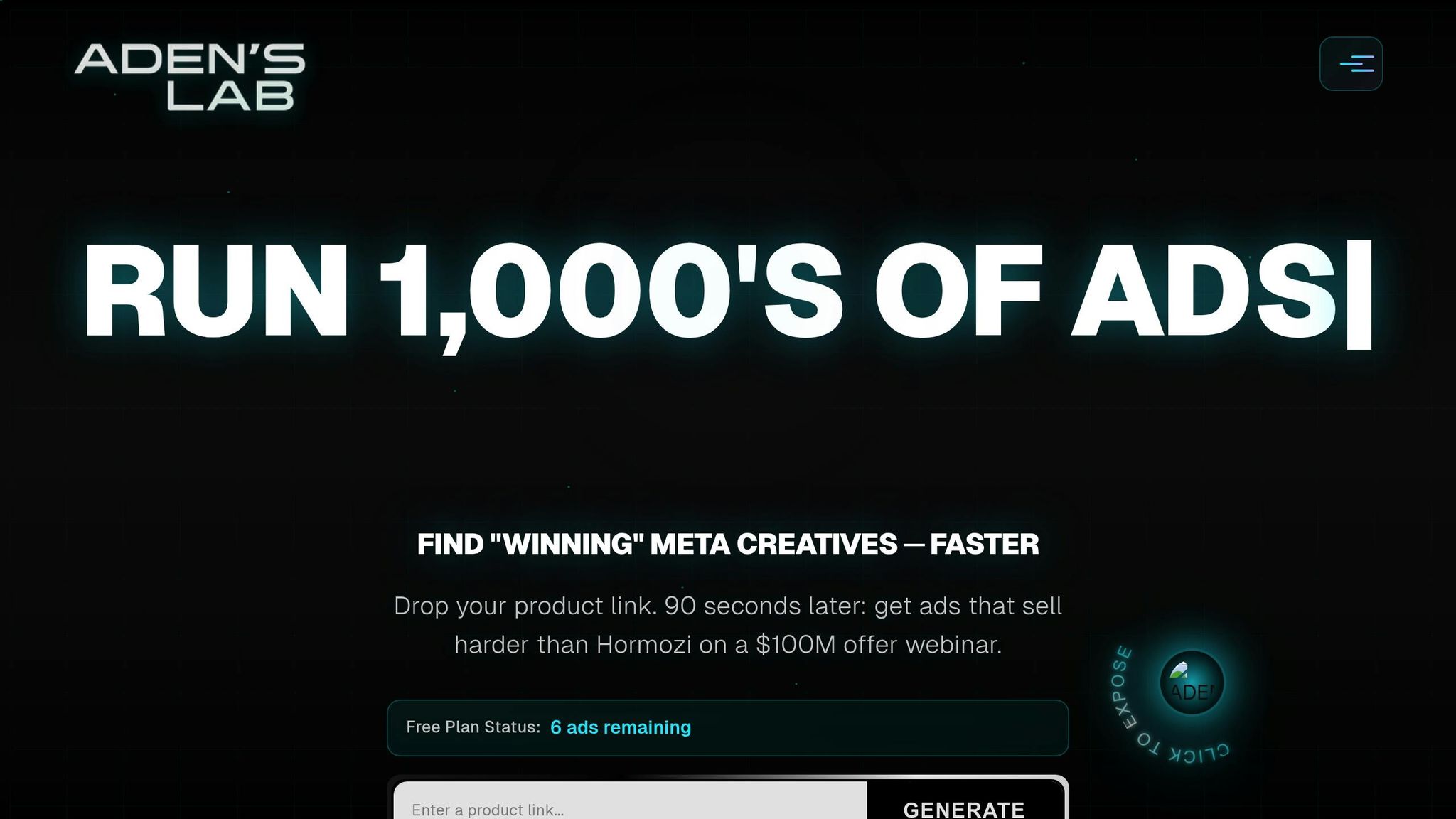
Traditionally, creating ads meant coordinating with designers, copywriters, and agencies - a process that could be time-consuming and expensive, especially for beginners or small businesses. ADEN'S LAB changes this by automating the workflow. All you need is your product link.
Here’s how it works: the AI analyzes your product page, identifies key selling points, and generates multiple ad variations - complete with headlines, primary text, CTAs, and visuals - in just 90 seconds. It applies principles of buyer psychology to craft compelling copy and ensures all ads are ready for immediate use, including commercial rights. This allows you to test a variety of approaches quickly and find the ones that resonate with your audience.
Even without expert knowledge, you can create hundreds of ad variations daily, giving you the flexibility to experiment and scale.
Test and Improve Creatives with AI
Creating ads is just the beginning - the real task is figuring out which ones perform best. Meta’s Dynamic Creative Testing feature can help. It automatically rotates your ad variations, analyzing performance to determine which headlines, images, and CTAs are driving results. The tool also adapts your creatives for different placements, like resizing videos for Instagram Stories or square formats for feeds, so your ads look polished everywhere. This not only enhances performance but also helps combat ad fatigue.
To get meaningful insights, let your ads run for a few days before making any decisions. Once you identify the winning creatives, you can use AI to tweak and produce similar variations, allowing you to scale successful ads without starting from scratch.
With polished, data-backed creatives in hand, you’re ready to move forward - targeting your audience, setting budgets, and choosing placements with confidence.
sbb-itb-628c49f
Step 4: Set Up Targeting, Budget, and Placements
Now that your ad creatives are ready, it’s time to focus on the essentials: who sees your ads, how much you spend, and where they appear. These decisions are critical for maximizing your return on investment (ROI). The good news? AI has made these steps much simpler, especially for those new to advertising. Let’s break it down.
Define Your Audience with Advantage+ Audience
Facebook offers a range of targeting options, letting you tailor your audience based on location, age, gender, interests, and behaviors. For example, a fitness brand might target U.S. users aged 25-45 interested in wellness. This level of control ensures your ads reach the right people.
But if you’d rather skip the guesswork, Advantage+ Audience is here to help. This tool uses Meta’s algorithm to automatically identify the best audience for your ads. Instead of manually selecting interests or demographics, you provide a broad starting point - like a general audience or a few key traits - and let the AI refine it in real time to find those most likely to convert.
This approach is particularly helpful during the Learning Phase, when Meta’s algorithm gathers data to optimize your campaign. The Learning Phase lasts until your ad set achieves 50 optimization events, like purchases or sign-ups. During this time, giving the system enough budget and flexibility speeds up the process of identifying your ideal audience.
For beginners without detailed customer data, Advantage+ Audience is an excellent starting point. It eliminates the need to predict which interests or behaviors to target. Experienced advertisers, however, may still prefer manual targeting to test specific audience segments.
Choose Between Daily and Lifetime Budgets
Your budget is the backbone of your campaign, and Meta gives you two main options: daily budgets and lifetime budgets.
- A daily budget sets a fixed amount to spend each day. For instance, if you set a $20 daily budget, Meta will aim to spend around that amount daily for as long as your campaign runs. This option is great for consistent, ongoing ad spend.
- A lifetime budget, on the other hand, sets a total amount to spend over the entire campaign. For example, if you allocate $500 for a 10-day campaign, Meta will optimize spending across that timeframe.
For beginners, starting with the "Lowest Cost" bidding strategy is a smart move. This lets Meta’s AI optimize your bids automatically, ensuring you get the best results for your budget without needing constant adjustments.
If you want even more automation, consider enabling Advantage+ Campaign Budget (also known as Campaign Budget Optimization or CBO). This feature allows Meta’s AI to distribute your budget across different ad sets based on real-time performance. It prioritizes the ad sets that are delivering strong results while still giving others a chance to improve. This is especially helpful when testing multiple audiences or creatives, as it saves you from manually reallocating your budget.
For a simple and effective setup, beginners should start with a daily budget and turn on Advantage+ Campaign Budget. This keeps spending predictable while leveraging AI to optimize performance.
Automate Placements with Advantage+ Placements
With your audience and budget sorted, the next step is deciding where your ads will appear. Meta offers a variety of placements, including Facebook, Instagram, Messenger, and the Audience Network. These placements span feeds, stories, reels, in-stream videos, and more.
While you could manually choose specific placements - like Instagram Stories or Facebook Feed - this approach limits your reach and requires you to predict which placements will perform best. For most beginners, this can feel like a shot in the dark.
Advantage+ Placements eliminates the guesswork by automatically distributing your ads across all available placements. Meta’s AI monitors performance in real time, directing your budget toward the placements that drive the best results while scaling back on those that don’t. This ensures your budget is used efficiently and your ads reach their full potential.
Another perk? The system automatically adapts your creatives to fit different placements. Whether it’s a story, feed, or reel, your ads will be optimized for the format.
By using Advantage+ Placements, you let Meta’s AI handle the heavy lifting, testing and optimizing across its ecosystem. This often leads to better results than manually selecting placements.
With your audience, budget, and placements set, your campaign is ready to launch. The next step? Tracking performance and scaling what works - using AI to turn your initial efforts into measurable success.
Step 5: Launch, Monitor, and Scale Your Campaigns
You've crafted your ad creatives, defined your audience, and set your budget. Now, it's time to launch your campaign and start seeing real-world results.
Launch Your First Facebook Ad Campaign
Before hitting publish, double-check your campaign settings. Make sure your objective aligns with your business goals, confirm your audience targeting and budget (daily or lifetime), and review ad placements. If you're using Advantage+ features, ensure they're enabled as well.
Preview your ads using Meta's ad preview tool. This lets you see how your creatives will look across different placements - such as Facebook Feed, Instagram Stories, and Reels. Check for any formatting issues, typos, or images that don't display well. Pay extra attention to mobile previews, as most users will view your ads on their phones.
Set your ad schedule. Decide whether to run ads continuously or within specific time frames. For beginners, running ads continuously with a daily budget is often the simplest option. If you're promoting a time-sensitive offer, set specific start and end dates to match your timeline.
Verify your payment details. Head to your Ads Manager payment settings to ensure your credit card or PayPal account is connected and up to date. This avoids unnecessary pauses in your campaign due to payment issues.
Once everything checks out, click "Publish." Your campaign will enter Meta's review process, which typically takes a few minutes to 24 hours. Once approved, your ads will go live, and the Learning Phase will begin.
With your campaign running, it’s time to focus on tracking performance.
Track These Metrics After Launch
Monitoring key metrics is crucial to understanding how your ads are performing. Here are the ones to watch:
- Cost per Result: This tells you how much you're spending for each desired outcome, like a purchase, sign-up, or click. For example, spending $200 for 20 sales means you're paying $10 per result. While a lower cost is better, what's "good" depends on your profit margins.
- Return on Ad Spend (ROAS): ROAS measures how much revenue your ads generate relative to what you spend. For instance, spending $500 on ads and earning $2,000 in sales results in a 4:1 ROAS (or 400%). Most e-commerce businesses aim for at least a 2:1 ROAS, though this varies by business model.
- Click-Through Rate (CTR): CTR is the percentage of people who click on your ad after seeing it. A CTR between 1% and 2% is considered average for Facebook ads. If your CTR is low, it may signal that your creative isn't resonating with your audience. On the other hand, if CTR is strong but conversions are weak, the issue might lie with your landing page or offer.
- Frequency: This shows how often, on average, each person sees your ad. If frequency climbs above 3 to 4, your audience might experience ad fatigue, leading to reduced performance. In such cases, consider refreshing your creatives or broadening your audience.
You can track these metrics in Meta Ads Manager, which provides a real-time view of performance at every level - campaign, ad set, and individual ads. Customize your dashboard to focus on the metrics that matter most, and check it daily, especially during the first week, to address any issues early.
Scale Winning Campaigns with AI Data
Once your campaign has been running for a few days, you'll start identifying what works. That’s when it’s time to scale strategically. Use the AI features we discussed earlier to guide your scaling efforts.
Meta's AI continuously analyzes your campaign data to highlight top-performing creatives and audiences. Within Ads Manager, you can see which ads deliver the best results at the lowest cost. These are your "winners" - the ones to double down on. AI tools like Advantage+ Campaigns automatically shift your budget toward these high performers, ensuring your ad spend is used effectively.
Increase budgets gradually. For vertical scaling, raise the budget of top-performing ad sets by 20% to 30% every few days. For example, if you're spending $20 a day on an ad set with a 5:1 ROAS, increase it to $40 or $60 gradually. Sudden jumps can disrupt the Learning Phase and hurt performance.
Experiment with broader audiences. For horizontal scaling, duplicate successful ad sets and test them with new audience segments. For instance, if your winning ad targets women aged 25-35 interested in fitness, try expanding the age range or exploring different interests. Lookalike audiences are especially effective - Meta's AI identifies users similar to your existing customers, making it easier to connect with potential buyers.
AI also simplifies creative testing. Tools like ADEN'S LAB can generate new ad variations in seconds, allowing you to test multiple creatives quickly. This keeps your campaigns fresh and helps you identify high-performing ads faster.
As you scale, keep an eye on your metrics. If your cost per result increases or ROAS drops, it could mean you're scaling too aggressively or that your audience is becoming saturated. In such cases, pause to refresh your creatives or explore new audience segments. Scaling is about finding the sweet spot where you maximize results without sacrificing efficiency.
Conclusion
Running Facebook ads has never been easier. As we've explored in this guide, AI has completely reshaped how beginners approach Meta ads in 2025, turning what used to be time-consuming and expensive processes into efficient strategies that deliver results in just a few days.
The game changer here is AI taking care of the hard stuff. Meta's advanced algorithms handle targeting during the Learning Phase, adjust budgets automatically using Advantage+ Campaigns, and pinpoint high-value customers through Lookalike Audiences. This data-driven system takes the guesswork out of the equation, freeing you up to focus on strategy and scaling your business.
One thing you can't overlook is the importance of high-quality creative. According to Nielsen, creative content accounts for 47% of sales impact. Early adopters using tools like dynamic creatives and Advantage+ Shopping Campaigns have reported impressive results - double-digit reductions in cost-per-acquisition, 10% to 20% higher conversion rates, and up to 28% better return on ad spend (ROAS). These kinds of results highlight the potential for a streamlined, high-performing ad strategy in 2025.
Starting your Facebook advertising journey this year means stepping into a landscape that’s more automated, accessible, and profitable than ever. By integrating AI throughout your process - from setup to creative production - you can skip the traditional headaches of advertising. Keep an eye on key metrics like cost per result, ROAS, click-through rate (CTR), and frequency, then double down on what works. Even with a modest daily budget, you can test, tweak, and scale your campaigns effectively.
The best part? The barrier to entry is low. With AI handling creative production and Meta’s automation managing targeting and placements, even small businesses can compete with larger brands and their bigger budgets.
FAQs
How does AI make Facebook ads easier and more effective for beginners in 2025?
In 2025, AI takes the complexity out of Facebook advertising, making it easier and faster to achieve impressive results. It handles intricate tasks like targeting, placements, and budget allocation automatically, so even if you're not a marketing expert, you can still run effective campaigns.
AI boosts ad performance through real-time adjustments, such as fine-tuning bids and instantly pausing ads that aren't performing well. It also leverages dynamic creative optimization, testing different combinations of images, headlines, and text to find what clicks with your audience. The result? Less trial and error and more time to focus on growing your business.
What makes Advantage+ Campaigns a great choice for beginners in Facebook advertising?
Advantage+ Campaigns are a great starting point for beginners because they take the guesswork out of Facebook advertising. With AI-powered automation, these campaigns handle everything from audience targeting to creative adjustments and bidding strategies. This allows you to spend less time worrying about the technical side of things and more time focusing on your business goals.
By simplifying the process, trimming expenses, and delivering quicker outcomes, Advantage+ Campaigns give new advertisers a better shot at achieving success - without requiring advanced skills or constant tweaking.
How can small businesses use AI to create profitable Facebook ads on a tight budget?
AI has transformed Facebook advertising into an easier, quicker, and more budget-friendly option for small businesses. By automating tasks such as audience targeting, crafting ads, and optimizing performance, it cuts down the time and effort required while keeping costs in check.
Thanks to AI-powered tools, even those new to marketing can design ads that work, without needing specialized skills. This allows you to concentrate on expanding your business while AI takes care of the complex details, ensuring your campaigns stay efficient and affordable.
Your next ad batch starts here
Finish with a ready-to-test ad batch
Paste your website to generate static creatives. Drop the link → get ads in about 90 seconds → upload them to Meta → scale.
Free to try No prompt writing